
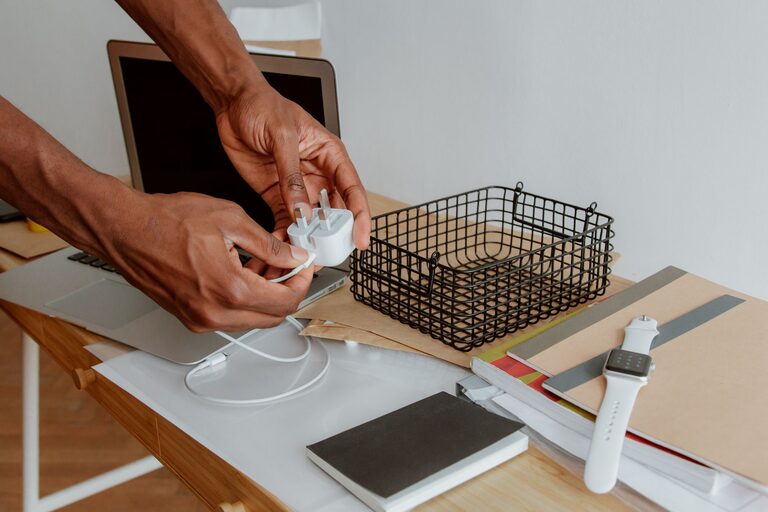
Keeping cables and chargers neat and organized might seem like a small task, but it can make a huge difference in your daily routine. Tangled cords can cause frustration, waste time, and even damage your devices. Whether you have a few essential chargers or a whole collection of cables, following some smart strategies can help you maintain order and keep your space clutter-free.
In this guide, we’ll explore practical ways to organize cables and chargers neatly, with easy-to-implement tips for both home and office settings.
Why Organize Cables and Chargers?
Before diving into the how, it’s worth understanding the benefits of keeping your cables under control:
– Save time: No more digging through messy piles to find the right charger.
– Protect your devices: Tangled cables can get damaged or frayed.
– Create a tidy workspace: A neat area helps reduce stress and boosts productivity.
– Prevent accidents: Loose cables can be tripping hazards or cause equipment to fall.
Step 1: Gather and Sort Your Cables
Start by collecting all your cables and chargers in one place. This might include phone chargers, USB cables, laptop cords, HDMI cords, and any other electronic accessories.
Sort by Type and Frequency of Use
Divide your cables into categories such as:
– Daily use (phone chargers, laptop power adapters)
– Occasional use (gaming controllers, camera cables)
– Rare use or spare cables (extra cords, old cables you might want to keep)
Sorting helps you decide which cables need easy access and which can be stored away.
Step 2: Get the Right Storage Supplies
Having the right tools makes organizing simple and effective. Here are some popular options:
– Cable ties and Velcro straps: Great for bundling cables, preventing tangles.
– Cable organizers and boxes: These keep cables hidden yet accessible.
– Drawer dividers or small containers: Useful for separating cables in drawers.
– Label maker or masking tape: Labeling cables saves time identifying them later.
– Cord clips and hooks: Keep cables attached to desks or walls to avoid clutter.
– Ziplock bags or pouches: Handy for storing small adapters or rarely used cables.
Most of these items can be found at office supply stores, electronics shops, or online.
Step 3: Bundle and Label Cables
When bundling cables, avoid wrapping them too tightly as this can damage the wires over time. Use loose loops and secure them with Velcro straps or reusable ties.
Label Your Cables
Attach labels near the plug or connector end, especially if cables look similar. Write what the cable is for or which device it belongs to. This saves you from guessing later and helps if you lend cables to others.
Step 4: Create Designated Charging Stations
Instead of scattering chargers around your space, create a central charging station:
– Use a multi-port USB charger to reduce the number of plugs needed.
– Place a charging box or basket on your desk or countertop.
– Keep chargers and cables organized inside with dividers or cable clips.
– Ensure the station is near power outlets to avoid excess cable length.
Step 5: Use Cable Management Tools
Cable management products are designed to keep wires neat and out of sight.
Popular Solutions Include:
– Cable sleeves: These tube-like covers bundle multiple cables together.
– Cable raceways: Plastic or metal channels that run cables along walls or furniture.
– Under-desk trays: Keep power strips and cables tucked under desks.
– Magnetic cable holders: Attach to desks to hold charging cables in place.
Choose what fits your space and style best.
Step 6: Store Spare and Rarely Used Cables
For cables you don’t use often, proper storage is key.
– Coil cables loosely and secure with ties.
– Store them in labeled pouches or boxes.
– Keep these containers in drawers, closets, or shelves.
This ensures cables stay in good condition and are easy to find when needed.
Step 7: Maintain Your Cable Organization
Organizing cables isn’t a one-time job. Make a habit of:
– Putting cables back in their designated spots after use.
– Checking cables for damage regularly.
– Removing cables you no longer need or that are broken.
A little ongoing care keeps your space neat and your cables functional.
Bonus Tips
– Digital declutter: Keep a list of cables and chargers you own, especially if you have many devices.
– Color-code cables: Use colored tapes or tags to quickly identify cables by device or room.
– Travel organization: Use a dedicated cable organizer or pouch for chargers when on the go.
Conclusion
With a bit of effort and the right tools, organizing your cables and chargers neatly is easy and rewarding. You’ll save time, reduce stress, enhance your workspace, and protect your technology. Start with sorting and labeling, then choose storage solutions that fit your lifestyle. Soon, tangled cables will be a thing of the past!
About the Author